gAIns Budget Planner
A guided budgeting app that turns three questions into a money plan.
Overview
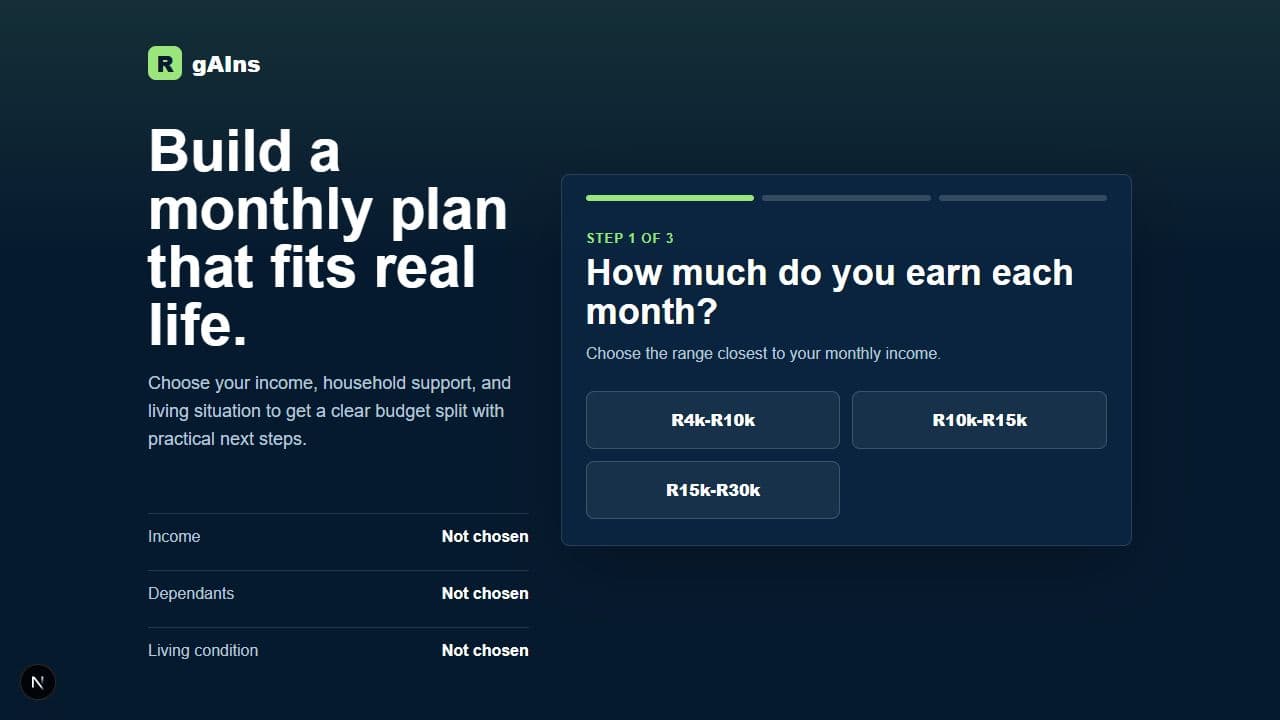
gAIns is a money app for South African households. You go through three quick steps (roughly what you earn, how many people you support, and your living situation) and it gives you a budget split plus three practical tips, worked out by a model call on the server. The whole thing stays calm and simple, which matters when you're talking about someone's money.
The problem
Most budgeting advice is either useless or expensive. You either get 'just save 20 percent', which ignores your actual life, or you pay a financial advisor most households can't justify. For a family with dependants and a tight income, generic percentages don't fit.
So the goal was to make advice that fits feel effortless. A few taps, no spreadsheet, no jargon, while keeping the AI grounded enough that the numbers make sense.
The solution
I built a three-step flow that asks just enough to be useful (income band, how many dependants, living situation) and sends that to a server call that comes back with a budget split and three concrete next steps.
All of it renders as proper UI: a progress bar, tappable option cards, and a running summary of your choices. The model call happens on the server, so keys stay secret and the app on your phone stays light and fast.
Architecture
The Next.js frontend collects the answers through a stepped flow and posts them to a server route that calls the model through OpenRouter. What comes back is a structured budget the UI renders.
- The model call runs on the server, so API keys never reach the browser
- Output is shaped into budget UI, not printed as raw text
- A short, focused three-step flow
- Timeouts and error handling around the model call
Screens & diagrams
shot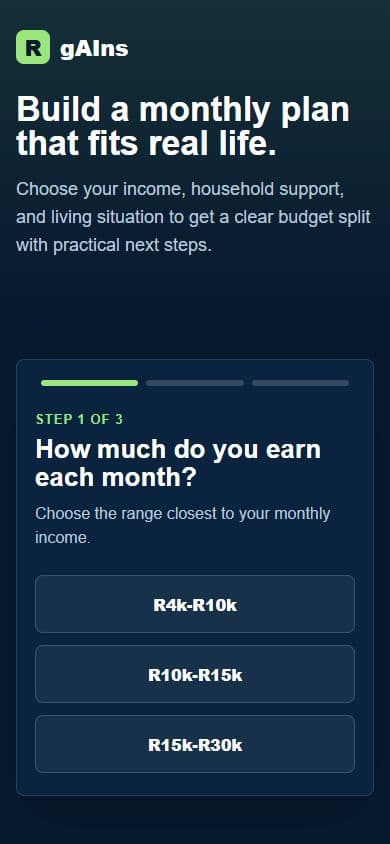 shot
shotKey features
Three quick steps
Income, dependants, living situation. About the least you can ask and still give a real answer.
A budget that fits
A split shaped by the household's actual situation, not a one-size rule.
Something to do next
Three practical tips you can act on straight away.
Private by design
The model call runs on the server, so no keys or logic ship to the browser.
Implementation highlights
- Kept the model call behind a server route, which protects the keys and lets me clean up the response before the UI sees it.
- Shaped the model's output into structured data so the budget renders as real components instead of a text blob.
- Built a short flow with a progress bar and a running summary so it never feels like a form.
- Added timeouts and proper error states around the call to the model.
Challenges solved
Advice that fits the place
Framing the income bands and tips for South African households is what stopped the output feeling generic.
Numbers you can trust
Shaping and checking the response on the server kept the budget sensible before anyone sees it.
Technologies
Future improvements
- Let people save a plan and come back to it
- Track progress against the recommended split
- More languages and currencies